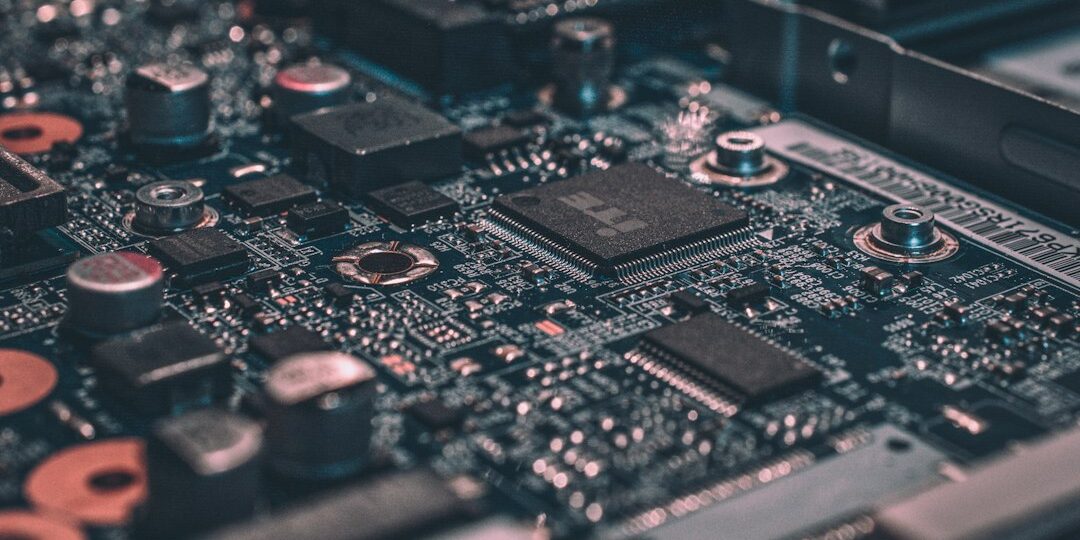
A laptop not turning on is one of the most stressful computer problems, but it is often less serious than it looks. Before you assume the motherboard is dead, work through these seven checks. They take a few minutes and can save you a repair bill.
1. Check the power source
Plug the charger into a different socket and check the cable for damage. If you can, try another compatible charger. A faulty adapter is a very common reason a laptop appears dead.
2. Look for any light or sound
Check for a charging light, a fan spinning or a faint beep. If there are signs of life but the screen is black, the problem may be the display or RAM, not the power.
3. Do a hard reset
Unplug the charger, remove the battery if it is removable, and hold the power button for about 30 seconds. Then reconnect the charger only and press the power button. This clears leftover charge that can stop a laptop from starting.
4. Disconnect everything else
Remove USB drives, external hard disks, printers and memory cards. A faulty device can sometimes stop the laptop from starting.
5. Test with an external monitor
Connect the laptop to a TV or monitor using HDMI. If the picture appears there, the laptop is working and the built-in screen or its cable needs repair. See our guide to laptop screen and keyboard repair.
6. Reseat the RAM
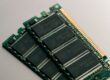
If you are comfortable opening the back panel, remove and firmly refit the RAM module. A loose module can cause no display and repeated beeps. If you are not sure, leave this to a technician. Our RAM upgrade guide explains more.
7. Check for a battery or charging fault
If the laptop only works while plugged in, or the charging light behaves oddly, the battery or charging port may be faulty. Read more about laptop charging issues.
When to stop and call a technician
- There is no light or sound at all after trying another charger
- Liquid was spilled on the laptop. Do not try to charge or switch it on.
- You notice a burning smell, swelling or heat from the battery
- The laptop fell or was hit before it stopped working
Frequently asked questions
Why is my laptop not turning on even when charged?
Common causes are a faulty charger or battery, loose RAM, a display problem, or a motherboard fault. The checks above help narrow it down.
Is my data safe if the laptop will not start?
In most cases the hard disk or SSD is fine even when the laptop does not power on. Avoid repeated attempts to start it and have it checked.
Laptop still not turning on?
Our technicians can diagnose it at your home or in our workshop. Call or WhatsApp +91 9032330077 (Mon to Sat, 10 AM to 8 PM). Under our No Fix, No Fee policy you do not pay a repair fee if we cannot fix it. See our laptop not turning on service or our full laptop repair in Hyderabad page.