

Checking your laptop warranty takes about two minutes and tells you whether a repair is covered before you pay for it. All you need is your laptop’s serial number. This guide shows how to find it and where to check it for the main brands.
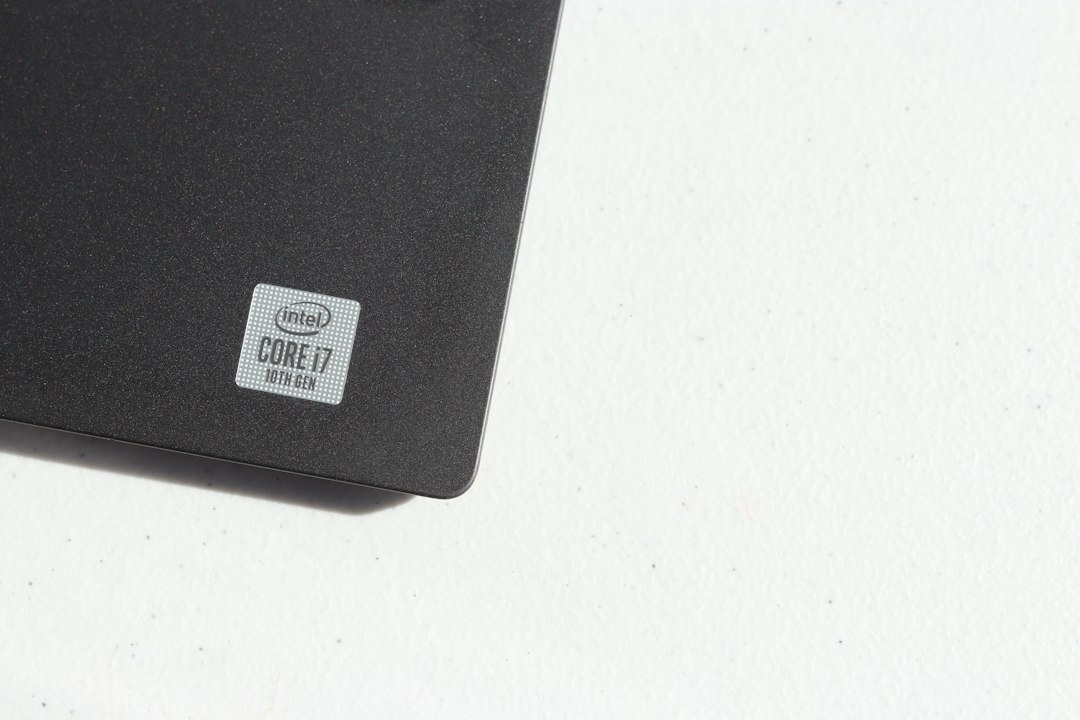
Step 1: Find your laptop serial number
- Sticker on the laptop: look at the bottom panel, or inside the battery bay on older models. The label shows a serial number. Dell calls it the Service Tag.
- In Windows: open PowerShell and run
Get-CimInstance Win32_BIOS | Select SerialNumber. - On a MacBook: open the Apple menu, choose About This Mac and read the serial number.
- Original box or invoice: the serial number is often printed on both.
Step 2: Check it on the brand’s official support site
Every major brand has a warranty status page on its own support website. Enter the serial number (or Service Tag for Dell) and the page shows your warranty start and end date. We have a guide for each brand:
- HP warranty check
- Dell warranty check
- Lenovo warranty check
- Asus warranty check
- Acer warranty check
- Apple warranty check
- Toshiba warranty
What warranty usually covers
A standard laptop warranty typically covers manufacturing defects in the hardware. It usually does not cover accidental damage, liquid spills, cracked screens or software problems unless you bought an extra protection plan. Check your warranty terms or ask the brand if you are not sure.
If your warranty has ended
Once the warranty is over, or if the damage is not covered, you can repair the laptop at an independent service center. Using one does not change a warranty that has already ended. If your laptop is still under warranty, check the brand’s terms before anyone opens it, because some brands may refuse cover after repairs by a third party.
See our brand pages for HP, Dell, Lenovo, Asus and Acer laptop service in Hyderabad. Not sure which centre to choose? Read how to choose the best laptop service center.
Frequently asked questions
Can I check my warranty without the serial number?
Usually not. The serial number is how the brand identifies your exact laptop. Some brands let you sign in to your account or use a support app that finds it automatically.
The serial number does not work. What should I do?
Check that you copied it exactly and that you are using the brand’s official support page. Letters such as O and 0 are easy to confuse. If it still fails, contact the brand’s support with your invoice.
Need help with a laptop problem?
Our technicians can diagnose your laptop at home or in our workshop. Call or WhatsApp +91 9032330077 (Mon to Sat, 10 AM to 8 PM). Under our No Fix, No Fee policy you do not pay a repair fee if we cannot fix it. See our laptop repair in Hyderabad page.