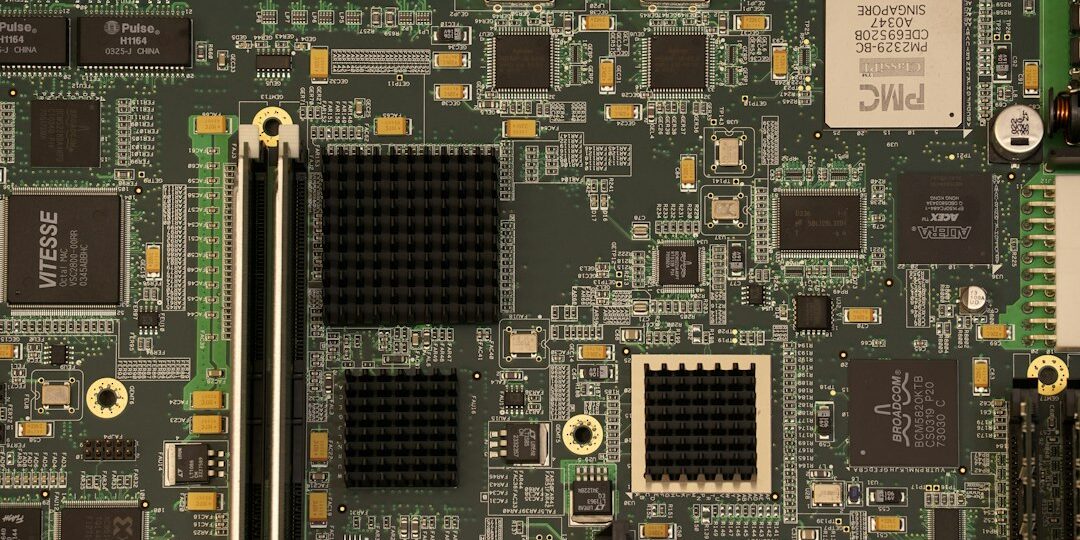
A slow or ageing computer does not always need replacing. In many cases, installing or upgrading one component brings it back to life for much less money. This guide explains what computer hardware installation and upgrade services include, and how to decide what your computer needs.
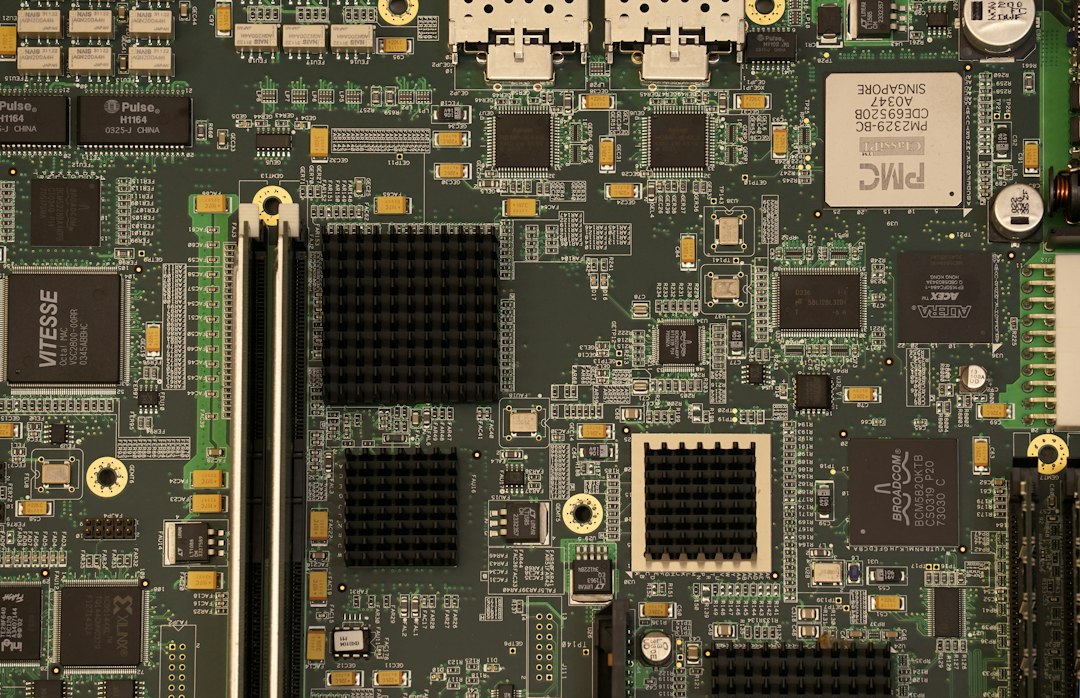
What hardware installation and upgrade services include
- RAM: more memory for smoother multitasking. See our laptop RAM upgrade guide.
- Storage: replacing a failing hard disk, or moving to a faster SSD, with your data and Windows moved across.
- Power supply (SMPS): replacing a faulty power supply that causes random shutdowns or no power.
- Cooling fans: new fans and cleaning for computers that overheat.
- Graphics card: fitting a new card and installing its drivers.
- Motherboard and CPU: repair, replacement and full CPU assembly for desktops.
- Peripherals and drivers: printers, scanners, Wi-Fi cards and driver installation.
Signs your computer needs an upgrade
- It takes minutes to start or open programs. A clean-up or SSD may help, as covered in why computers run slow.
- It freezes when you open several programs, which usually points to too little RAM.
- It shuts down by itself or runs very hot. Read about overheating and sudden shutdowns.
- The hard disk makes clicking noises or files take a long time to open.
- The system will not start or shows no display.
Typical prices
Prices depend on the part and your computer. From our rate card, as an approximate guide: desktop CPU assembling is ₹500, a desktop fan replacement is ₹500 to ₹800 for the part, and a desktop power supply (SMPS) replacement is about ₹700 for the part plus ₹300 service charge. The final price is confirmed by our technician before work starts.
At your home or office, or in our workshop
Most installations and upgrades can be done at your doorstep, which saves you carrying a heavy desktop. See what to expect in our guide to computer repair at your doorstep in Hyderabad. Offices with several computers can also look at our AMC managed services and our guide for corporate computer repair.
After the upgrade
If you are moving to a new drive or the system needs a fresh start, we can also handle OS installation and virus cleaning and Windows installation and formatting. For home or office Wi-Fi and file sharing, see home and office networking.
Frequently asked questions
Is it better to upgrade or replace my computer?
If the computer is slow but otherwise healthy, adding RAM or an SSD usually costs far less than a new one. If the motherboard or processor is very old, a replacement may make more sense. Our technician can tell you after a quick check.
Will I lose my data during an upgrade?
A RAM upgrade does not touch your data. When changing a hard disk, we can move or back up your files first. It is still wise to keep a copy of anything important.
Do you install parts you did not sell?
Please call us with the part details. We can advise whether it is compatible with your computer before you buy.
Book a hardware installation or upgrade
Call or WhatsApp +91 9032330077 (Mon to Sat, 10 AM to 8 PM). Under our No Fix, No Fee policy you do not pay a repair fee if we cannot fix a fault. See our computer sales and services and laptop repair in Hyderabad pages.