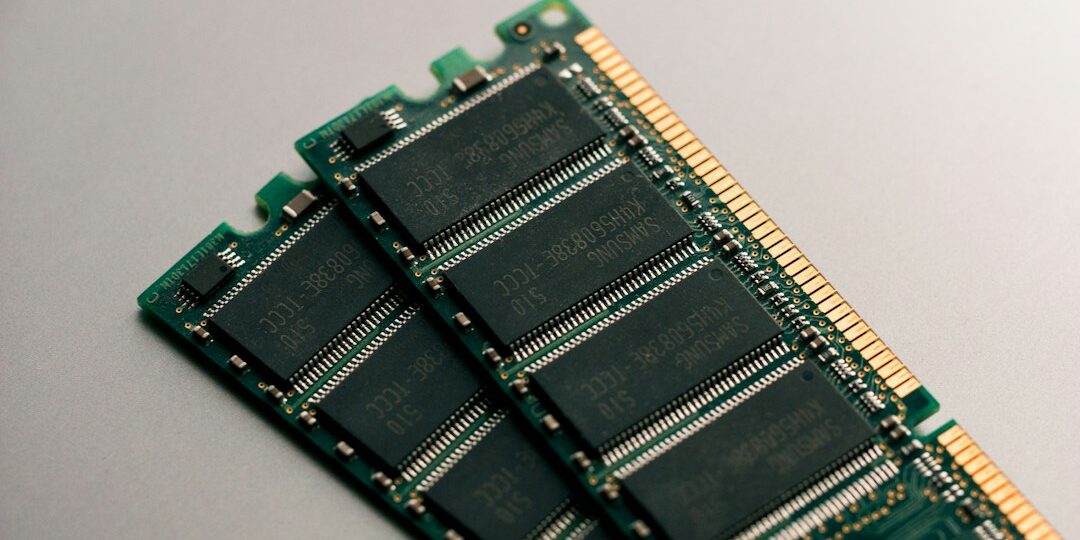
A laptop RAM upgrade is one of the cheapest ways to make a slow laptop feel faster. But not every laptop can take more memory, and buying the wrong module wastes money. This guide covers how to decide, what to check and when to ask a professional.
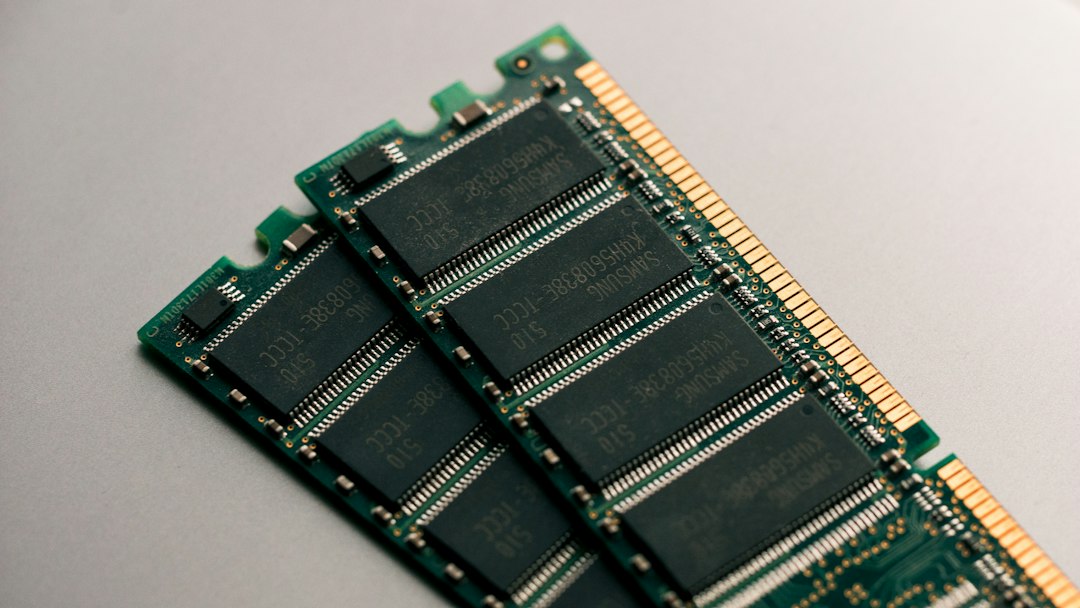
Signs your laptop needs more RAM
- Apps freeze or take long to open when several are running
- Browser tabs reload or crash often
- Task Manager shows memory usage near 90 percent during normal work
How much RAM do you need?
For everyday use such as browsing, office work and video calls, 8 GB is a sensible minimum on Windows today. If you multitask heavily, edit photos or videos, or run design or accounting software, 16 GB is more comfortable. Open Task Manager, click Performance and then Memory to see what you have now.
Check these things before you upgrade
- RAM type: DDR3, DDR4 and DDR5 are not interchangeable.
- Free slots: Some laptops have two slots, others have only one.
- Soldered memory: Many thin laptops have RAM fixed to the board and cannot be upgraded.
- Maximum supported: Every model has a limit set by the manufacturer.
- Matching modules: Using two matching modules usually gives better performance.
Why professional installation is safer
Opening a laptop can damage clips, cables and the keyboard connector if done wrongly. A technician checks the exact model, fits compatible RAM and tests the system afterwards. If RAM is not the real cause of the slowdown, they will tell you honestly. Also read our guide on why laptops run slow and how to fix them.
Frequently asked questions
Can I mix different RAM sizes?
Often it works, but it can reduce performance or cause instability. Matching modules are the safer choice.
How long does a RAM upgrade take?
On most laptops it is a quick job. We offer same-day service, so call us with your laptop model to confirm.
Will more RAM fix every slow laptop?
No. If the problem is an old hard disk, malware or overheating, extra RAM will not help much. A quick check tells you what will.
Upgrade your laptop RAM in Hyderabad
Tell us your laptop brand and model and we will check what can be done. Call or WhatsApp +91 9032330077 (Mon to Sat, 10 AM to 8 PM). See our laptop RAM upgrade service in Hyderabad or all laptop repair services.